[记录]使用 Velopack 快速部署和更新 C# 桌面应用程序

[记录]使用 Velopack 快速部署和更新 C# 桌面应用程序
科控物联
发布于 2026-03-19 13:18:04
发布于 2026-03-19 13:18:04
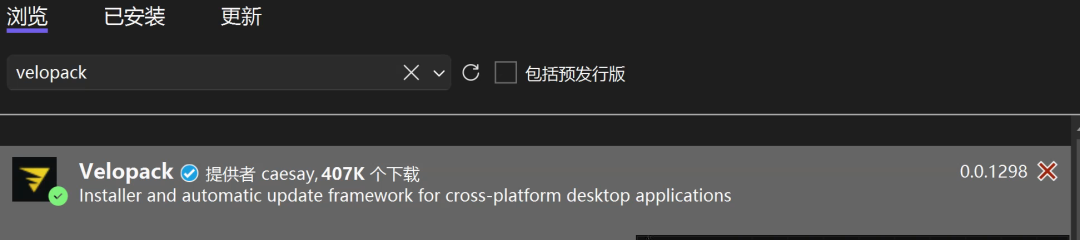
1.在主项目中安装 Velopack NuGet 包。这是将包含应用程序的 Main 方法的项目。
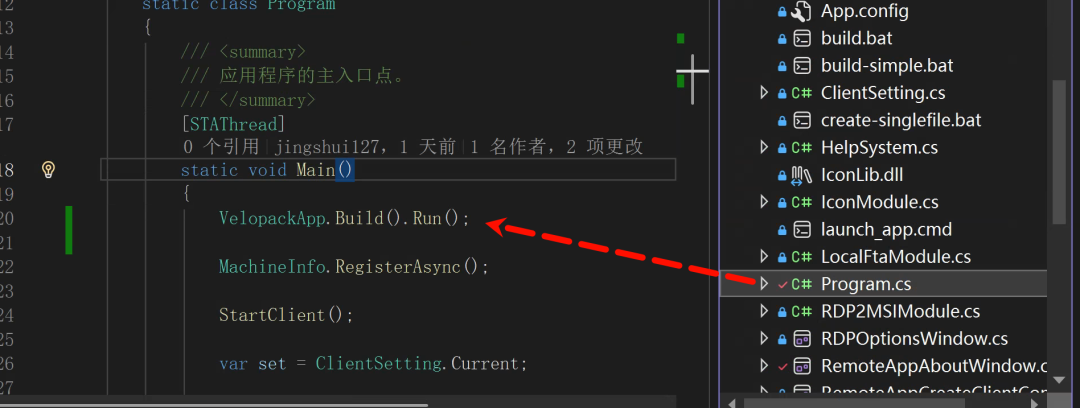
2. C #主程序调用
VelopackApp.Build().Run()
Velopack 需要能够引导您的应用程序并处理更新。您可以通过在方法的开头调用来执行此作。
staticvoidMain(string[] args)
{
    VelopackApp.Build().Run();
// ... your other startup code below
}
3.Velopack 提供了一种检查更新并应用它们的简单方法。下面显示了如何在应用程序中实现基本更新检查。您还可以拆分各种方法,以允许用户控制何时检查更新、下载更新或应用更新。
private static async Task UpdateMyApp()
{
    var mgr = new UpdateManager("https://the.place/you-host/updates");

    // check for new version
    var newVersion = await mgr.CheckForUpdatesAsync();
    if (newVersion == null)
        return; // no update available

    // download new version
    await mgr.DownloadUpdatesAsync(newVersion);

    // install new version and restart app
    mgr.ApplyUpdatesAndRestart(newVersion);
}
4.在构建 Velopack 版本之前,必须先构建应用程序并将其发布到目录。
dotnet publish yourApp.csproj -c Release --self-contained -r win-x64 -o .\publish5.全局安装vpk
dotnet tool install -g vpk6.打包
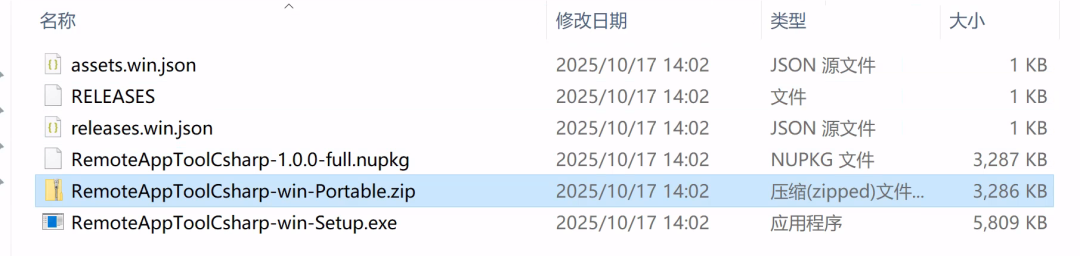
vpk pack --packId YourAppId --packVersion 1.0.0 --packDir .\publish --mainExe yourMainApp.exe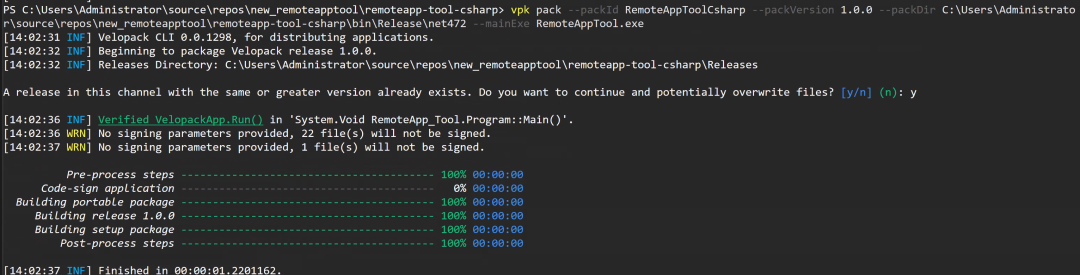
✅ 完成了!应用现在具有自动更新和安装程序。 您可以将发布上传到您的网站,或使用该命令将其发布到您选择的目标。
本文参与 腾讯云自媒体同步曝光计划,分享自微信公众号。
原始发表:2025-10-17,如有侵权请联系 cloudcommunity@tencent.com 删除
腾讯云开发者

Copyright © 2013 - 2026 Tencent Cloud. All Rights Reserved. 腾讯云 版权所有
深圳市腾讯计算机系统有限公司 ICP备案/许可证号:粤B2-20090059  粤公网安备44030502008569号
腾讯云计算(北京)有限责任公司 京ICP证150476号 | 京ICP备11018762号