【工程实践】Anomalib异常检测从训练到部署

【工程实践】Anomalib异常检测从训练到部署

OpenCV学堂
发布于 2026-04-02 20:07:26
发布于 2026-04-02 20:07:26
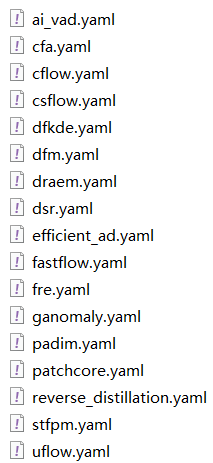
异常检测库最新anomalib2.0 已经支持多种已经检测模型从训练到部署,同时支持多种推理方式。模型训练支持包含:
模型训练
以Padim模型为例,训练该模型支持CLI命令行与代码API两种方式,分别如下:
anomalib train --model Padim --data anomalib.data.MVTecAD代码调用方式如下:
from anomalib.data import MVTecAD
from anomalib.models import Patchcore
from anomalib.engine import Engine
# Initialize components
datamodule = MVTecAD()
model = Patchcore()
engine = Engine()
# Train the model
engine.fit(datamodule=datamodule, model=model)
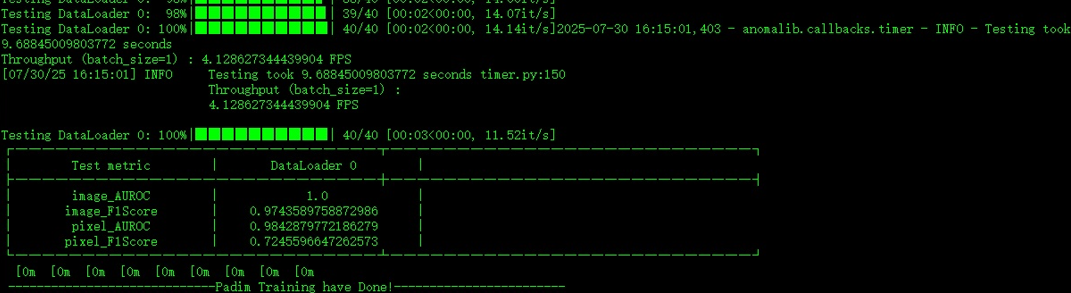
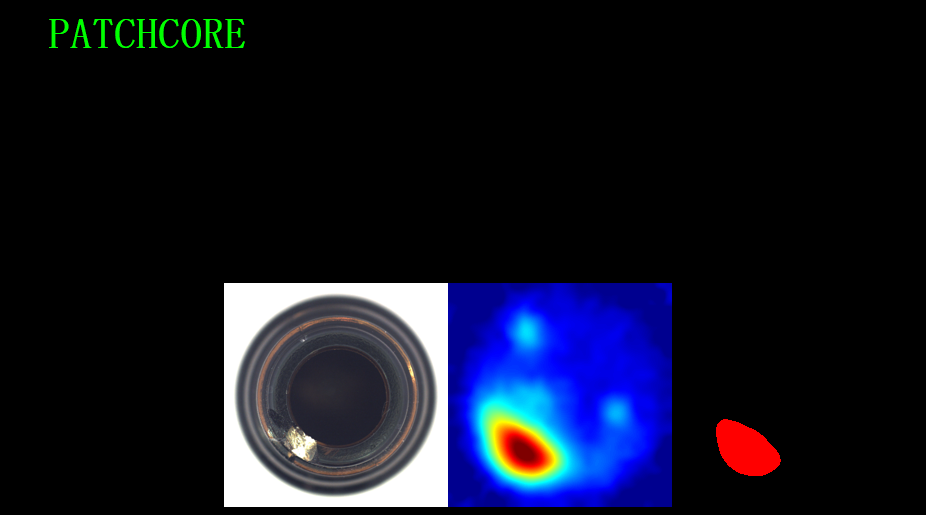
运行结果如下:
导出与部署
anomalib模型训练保存的是pytorch light格式的ckpt文件,支持导出torch、onnx、openvino三种格式。可以通过相关的SDK直接完成导出,以导出torch格式模型为例,导出CLI如下:
anomalib export --model Padim --export_type torch --ckpt_path <PATH_TO_CHECKPOINT>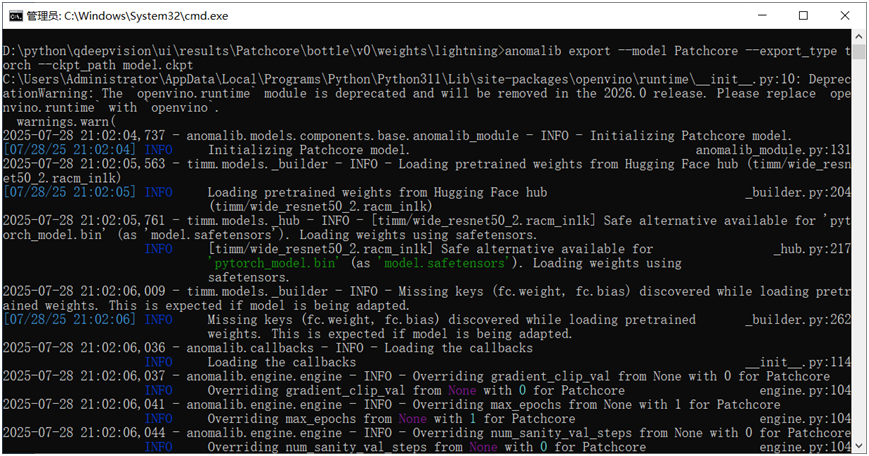
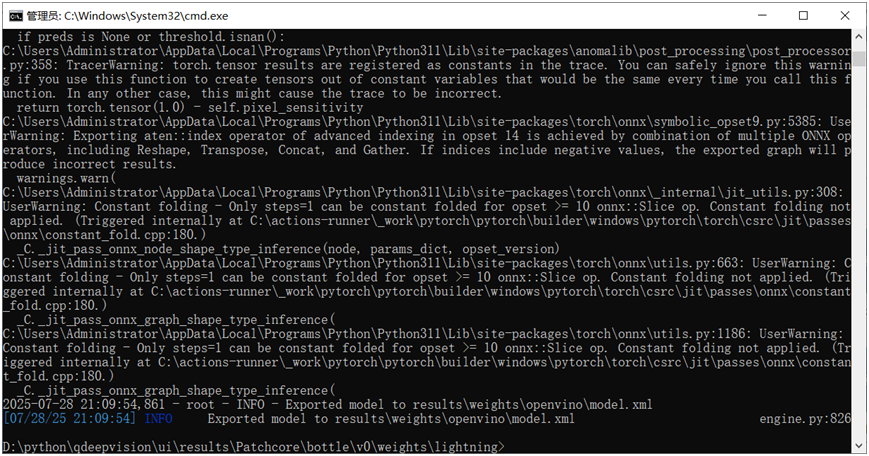
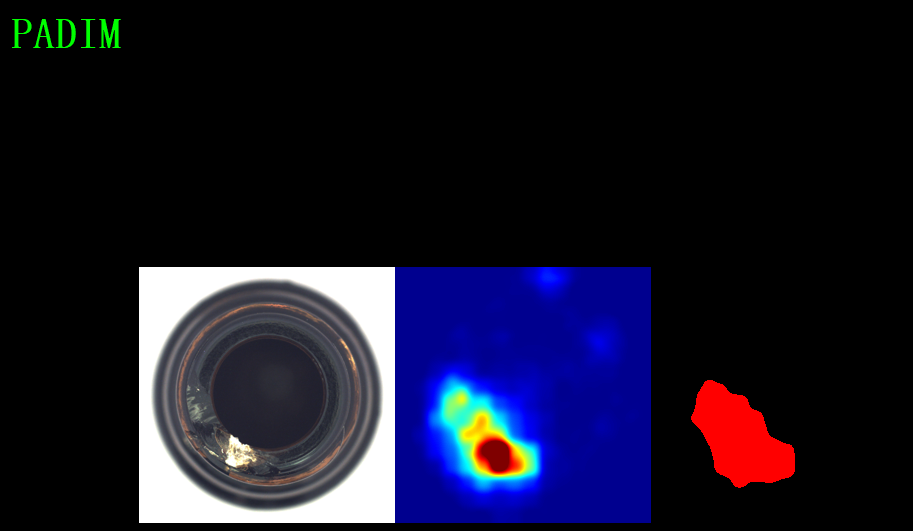
导出以后模型模型推理支持部署到OpenVINO、Pytorch、TensorRT等,以pt文件与xml文件为例,推理演示代码如下:
# Get the inferencer.
inferencer = OpenVINOInferencer(path=args.weights, device=args.device)
filenames = get_image_filenames(path=args.input)
for filename in tqdm(filenames, desc="Predicting images"):
	predictions = inferencer.predict(filename)
# NOTE: This visualization approach is experimental and might change in the future.
	output = visualize_image_item(
		item=predictions.items[0],
		fields=["image"],  # Can be used to visualize other fields such as anomaly_map, pred_mask, etc.
		overlay_fields=[
# Can be used to overlay multiple other fields.
			("image", ["anomaly_map"]),
			("image", ["pred_mask"]),
		],
	)
if args.output is None and args.show is False:
		msg = "Neither output path is provided nor show flag is set. Inferencer will run but return nothing."
		logger.warning(msg)
if output is not None:
if args.output:
			file_path = generate_output_image_filename(input_path=filename, output_path=args.output)
			output.save(file_path)
# Show the image in case the flag is set by the user.
if args.show:
			output.show("Output Image")
效果如下:
上位机与机器视觉开发者必备技能
本文参与 腾讯云自媒体同步曝光计划,分享自微信公众号。
原始发表:2025-07-31,如有侵权请联系 cloudcommunity@tencent.com 删除
腾讯云开发者

Copyright © 2013 - 2026 Tencent Cloud. All Rights Reserved. 腾讯云 版权所有
深圳市腾讯计算机系统有限公司 ICP备案/许可证号:粤B2-20090059  粤公网安备44030502008569号
腾讯云计算(北京)有限责任公司 京ICP证150476号 | 京ICP备11018762号