2026 最硬核实战:Electron41 + Vue3 + Vite8 从 0 到 1 手搓 DeepSeek 桌面 AI 客户端
原创
2026 最硬核实战:Electron41 + Vue3 + Vite8 从 0 到 1 手搓 DeepSeek 桌面 AI 客户端
原创
xiaoyan2018
发布于 2026-10-12 20:35:51
发布于 2026-10-12 20:35:51
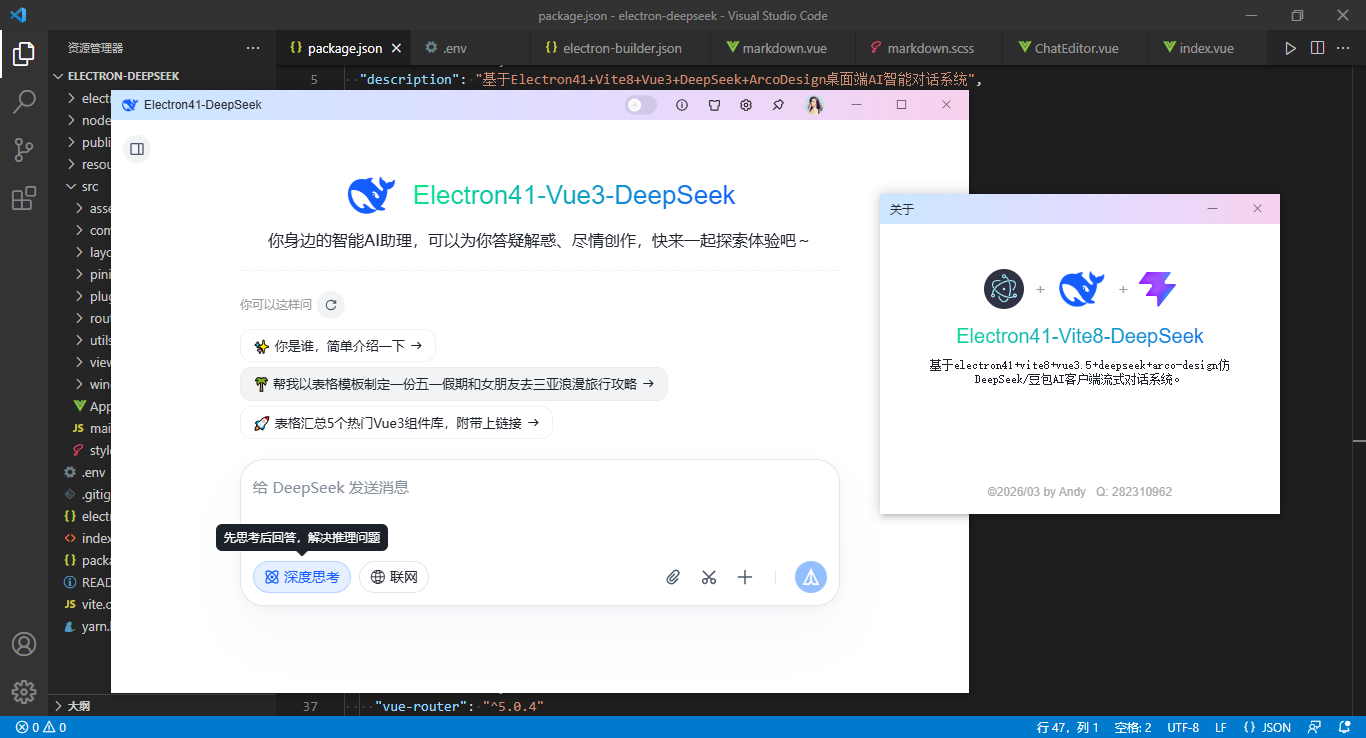
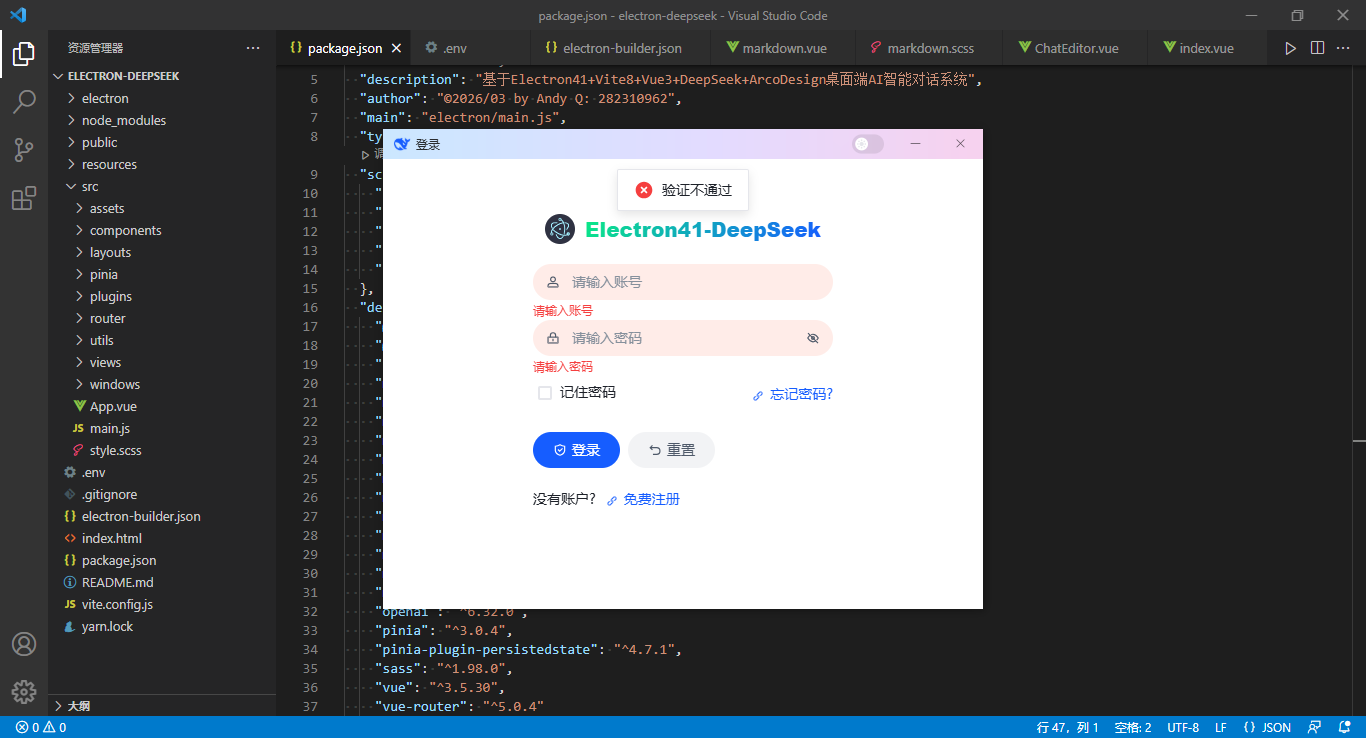
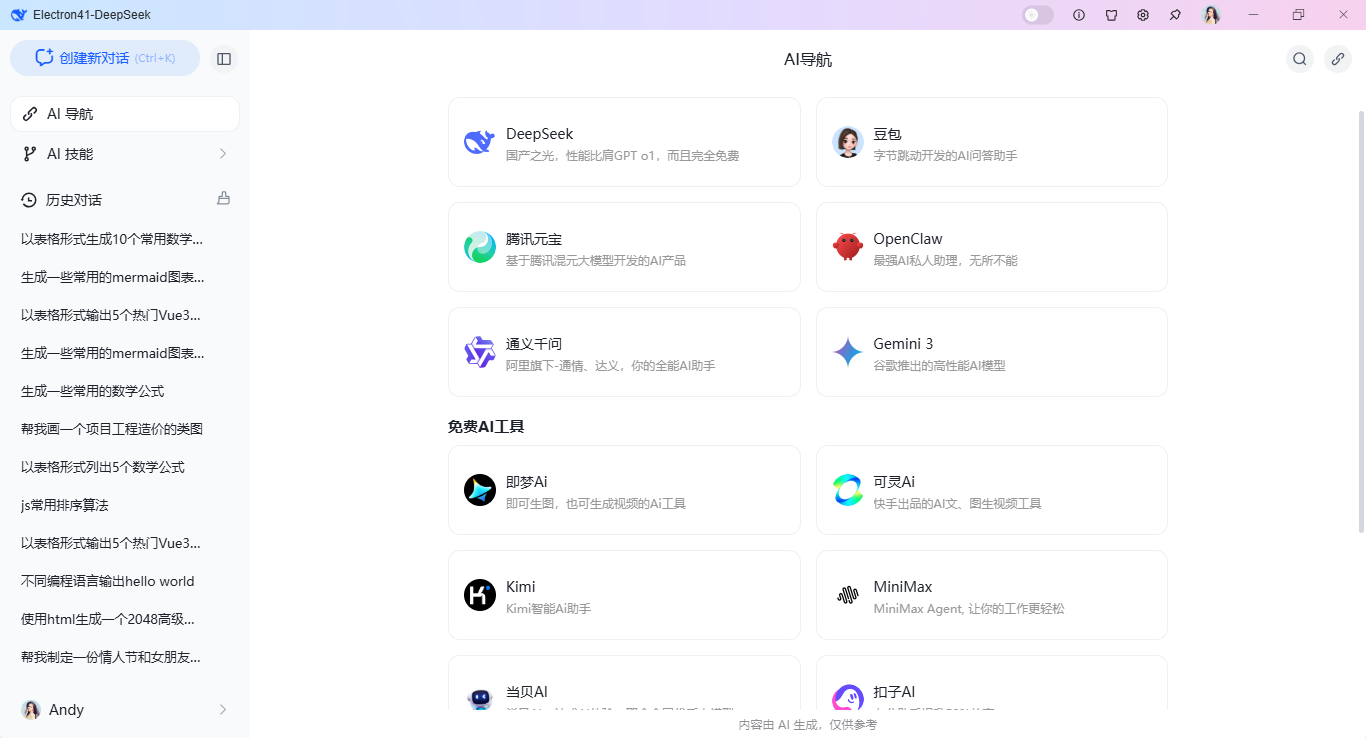
vite8-electron-ai:最新版原创 Electron 41 + Vue3 + Vite8 + Arco + OpenAI 接入 DeepSeek-V4.1,从 0 到 1 打造电脑端专属 AI 搭子 🧠💻
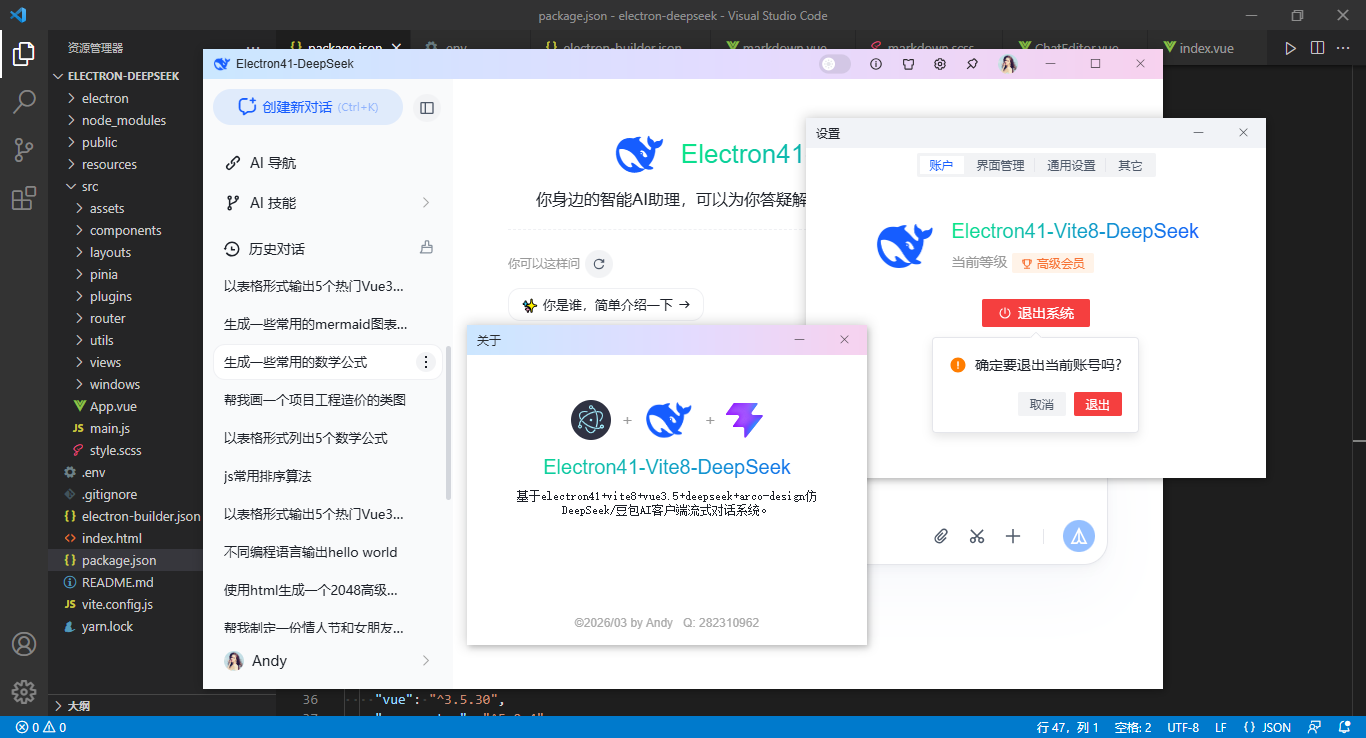
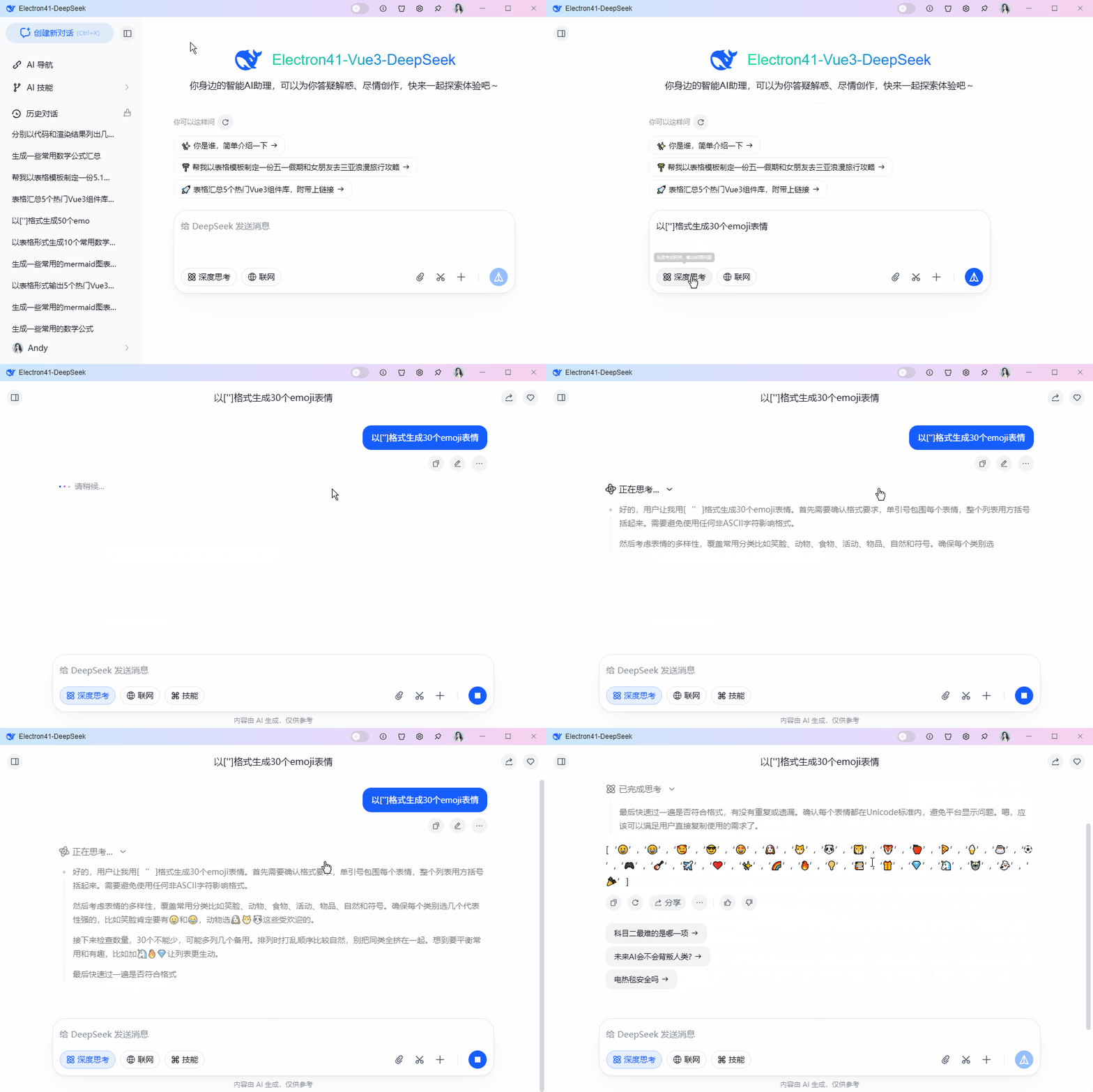
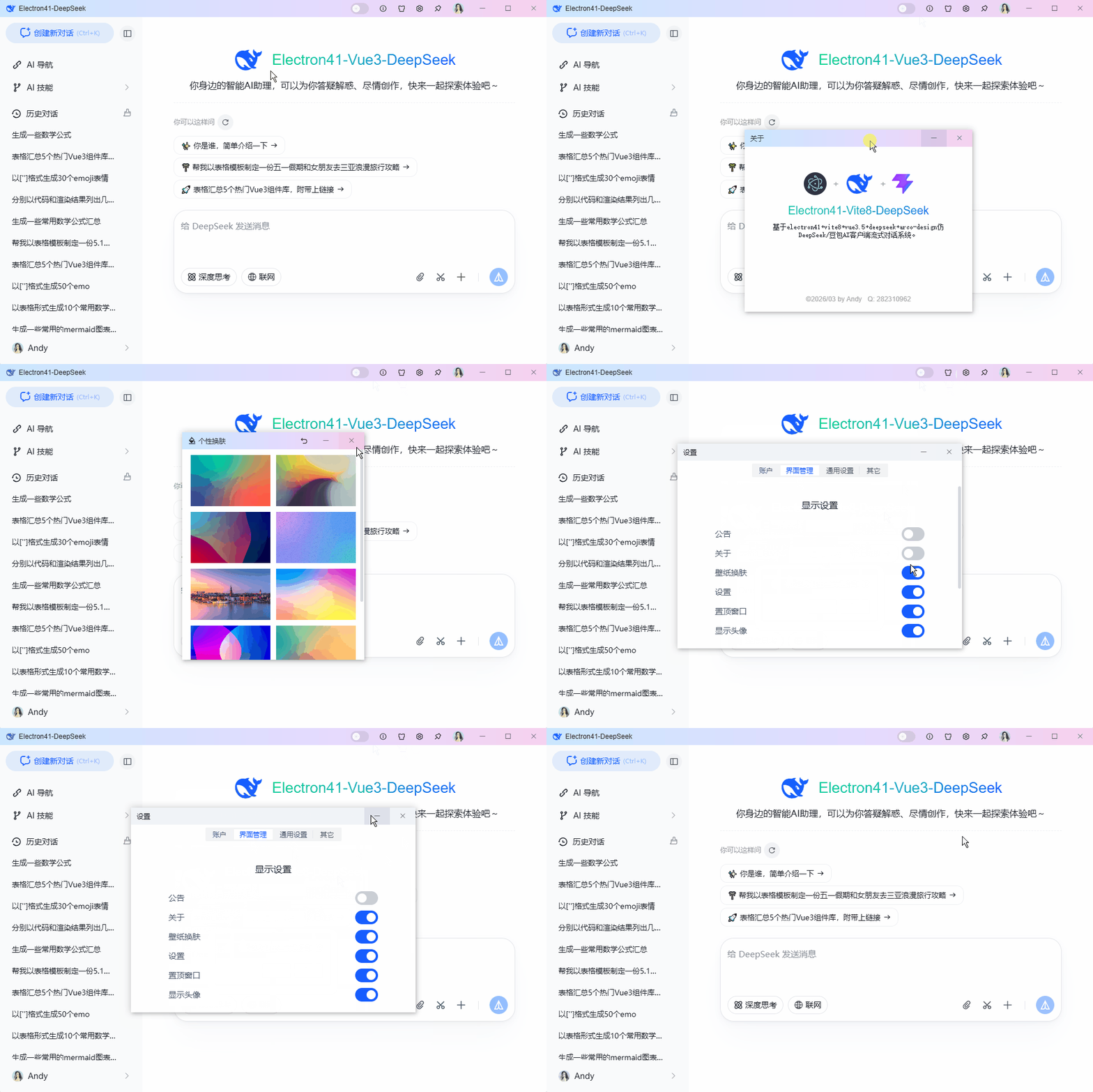
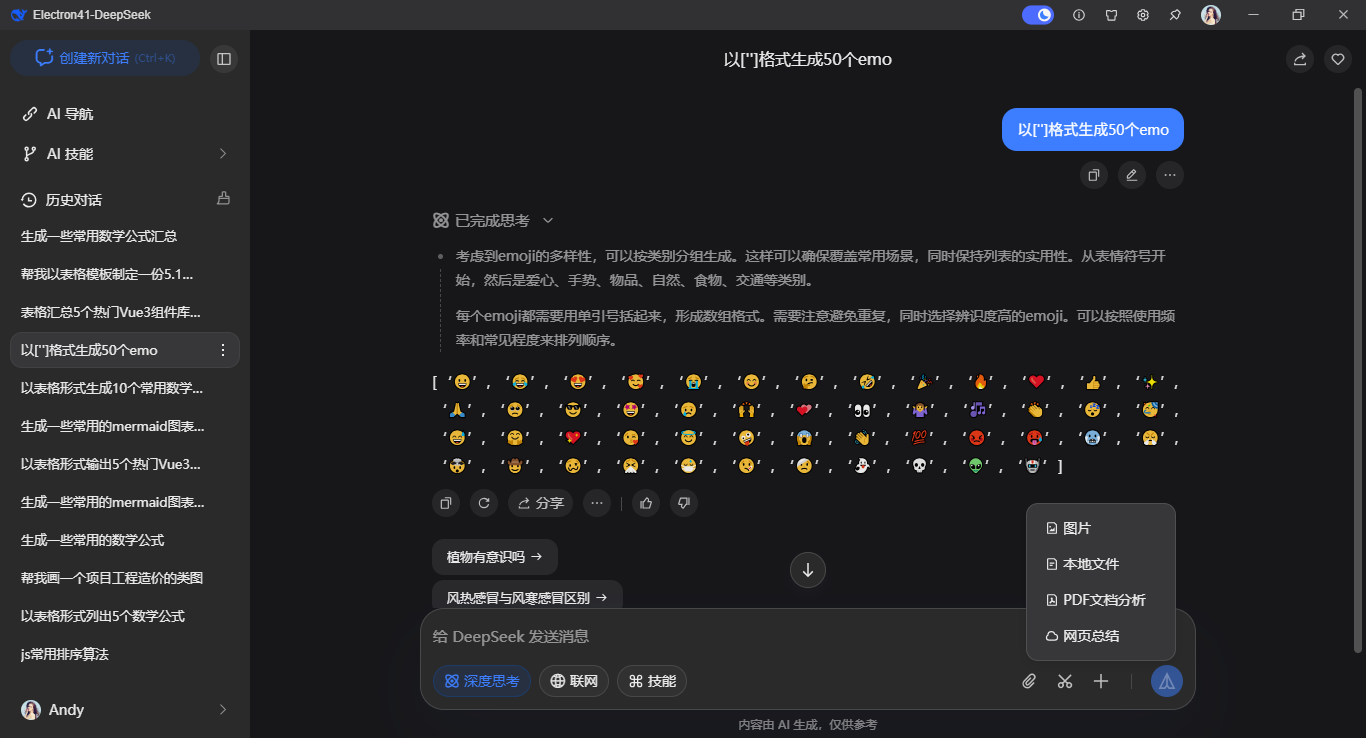
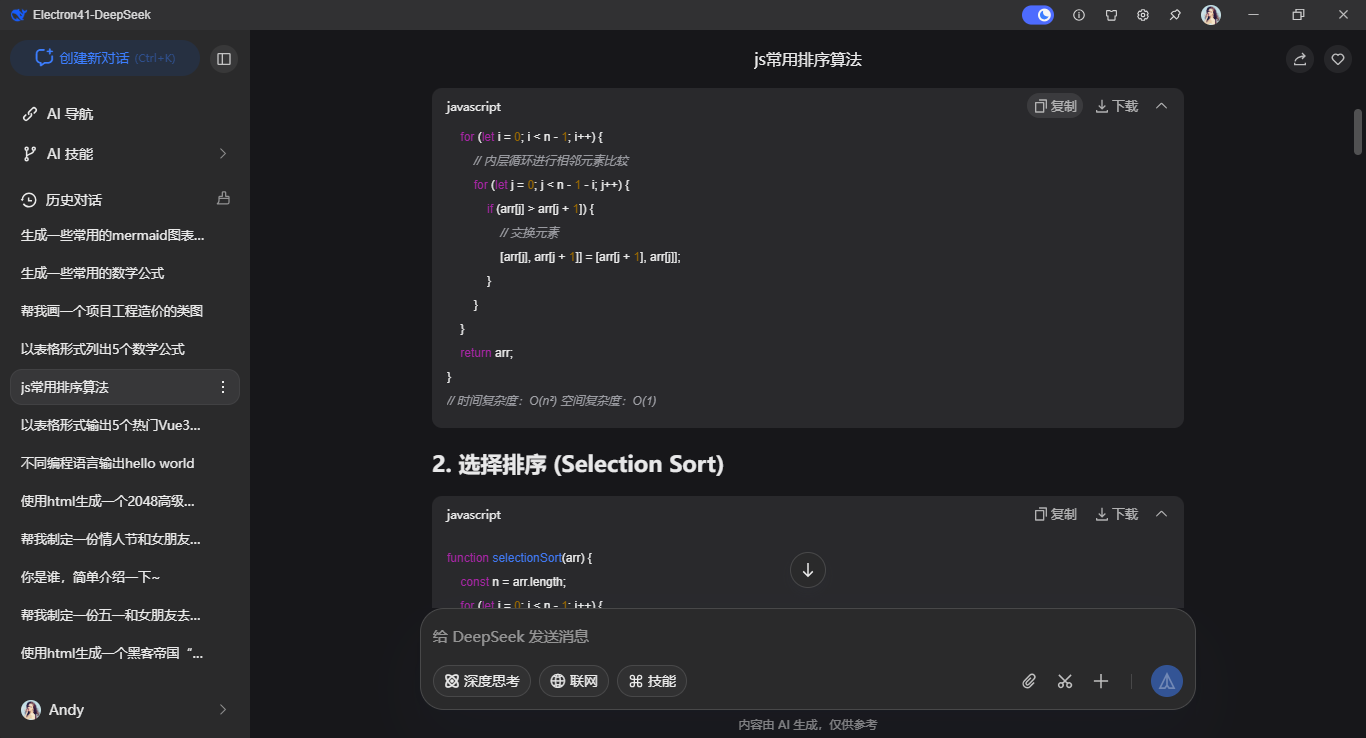
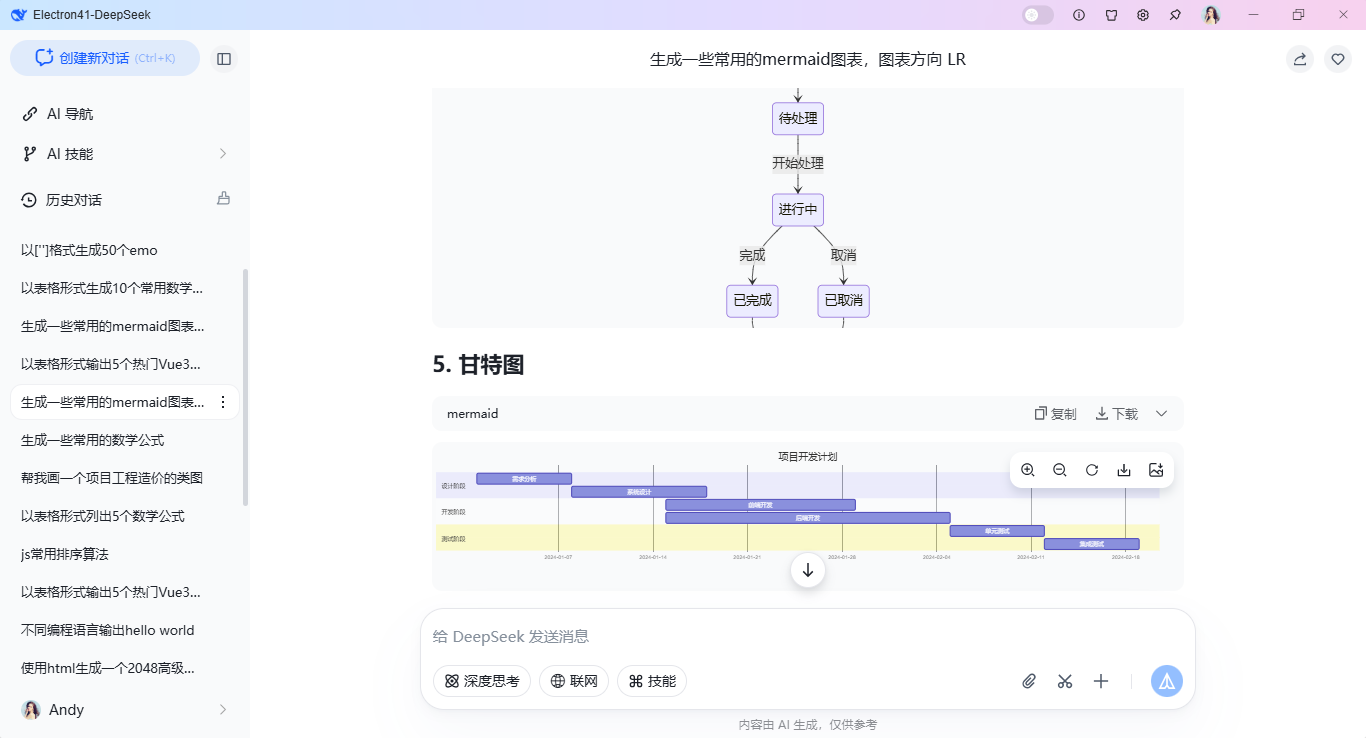
✅ 浅色 / 深色一键切
✅ 深度思考模式
✅ 代码高亮 + 复制 + 下载
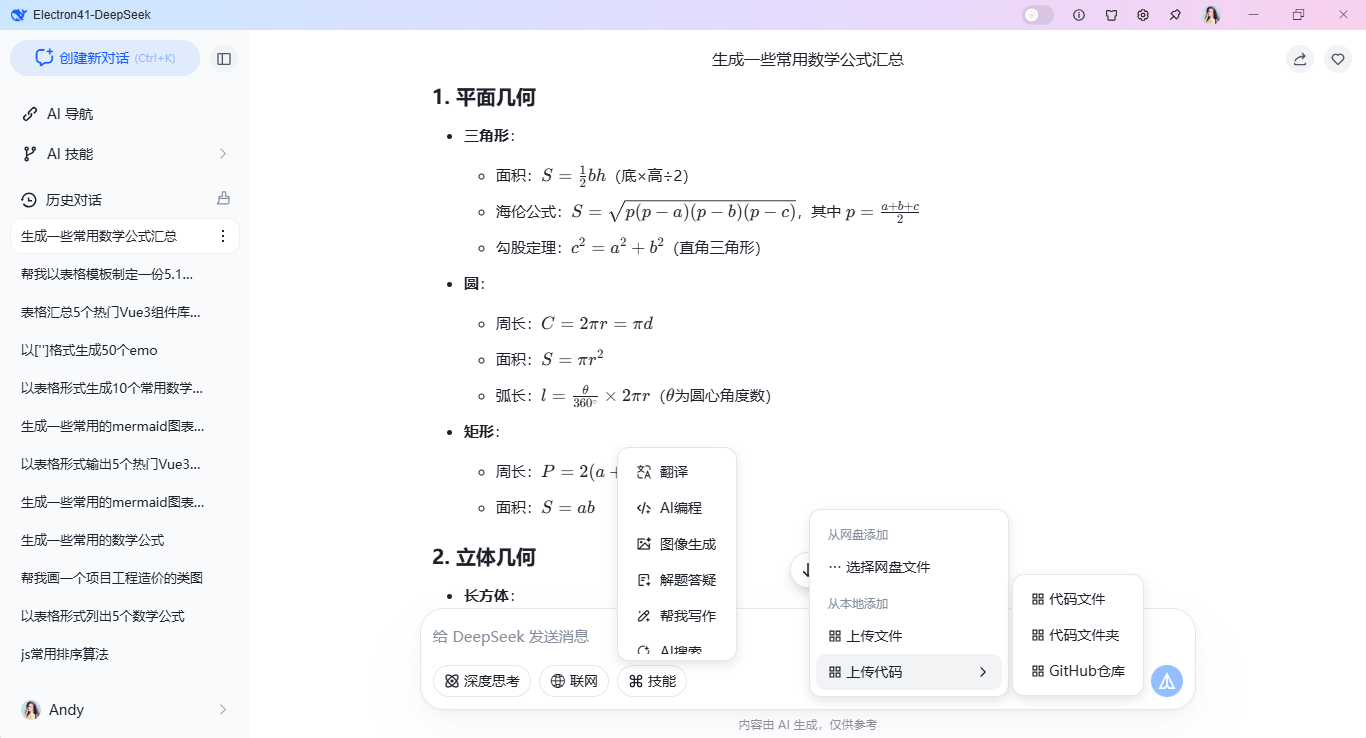
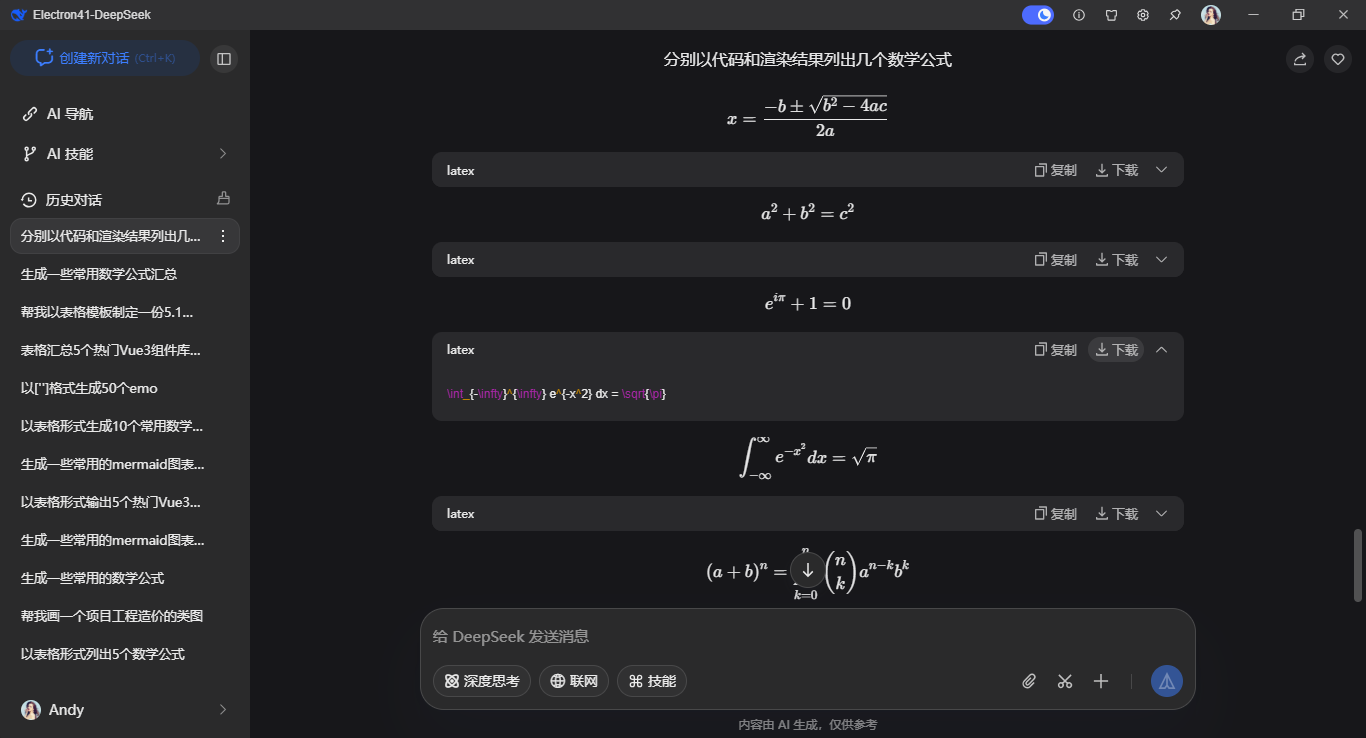
✅ KaTeX 公式
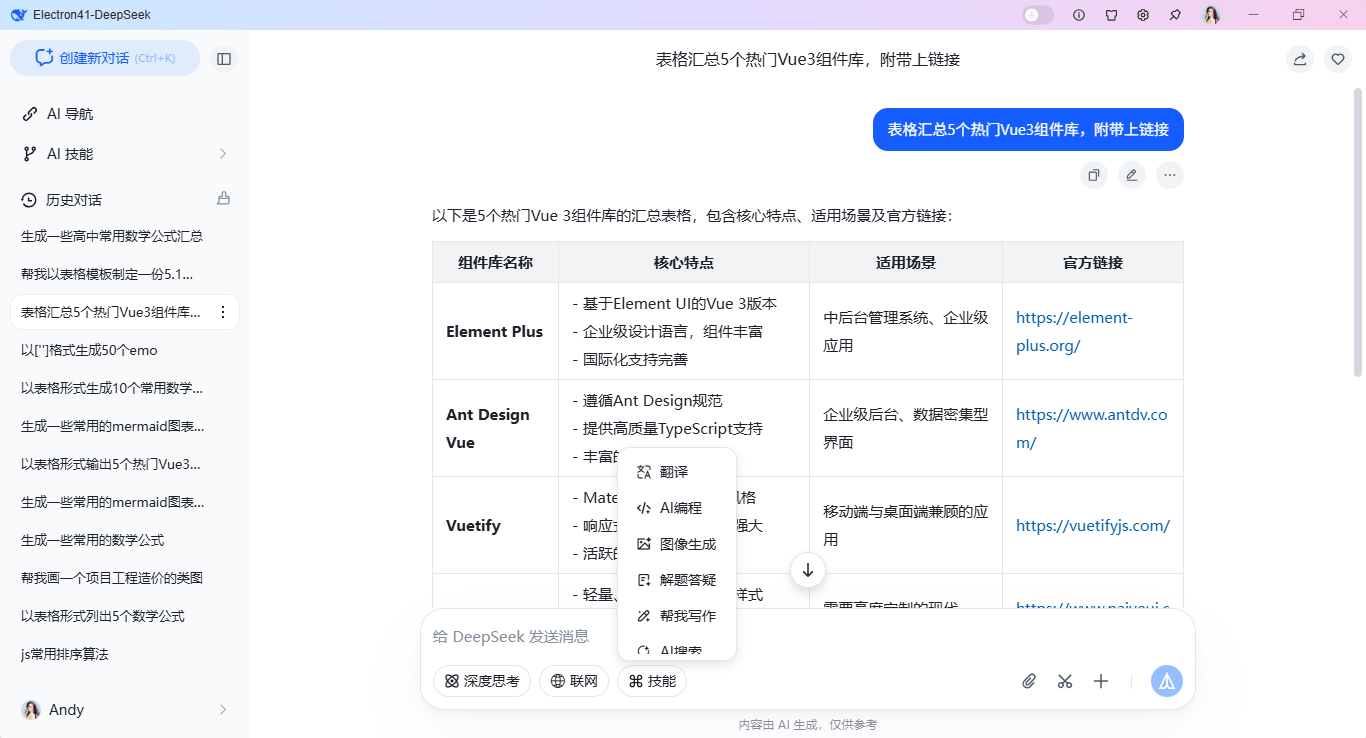
✅ Mermaid 流程图 / 时序图 / 架构图
✅ 多轮上下文 + 本地会话存储
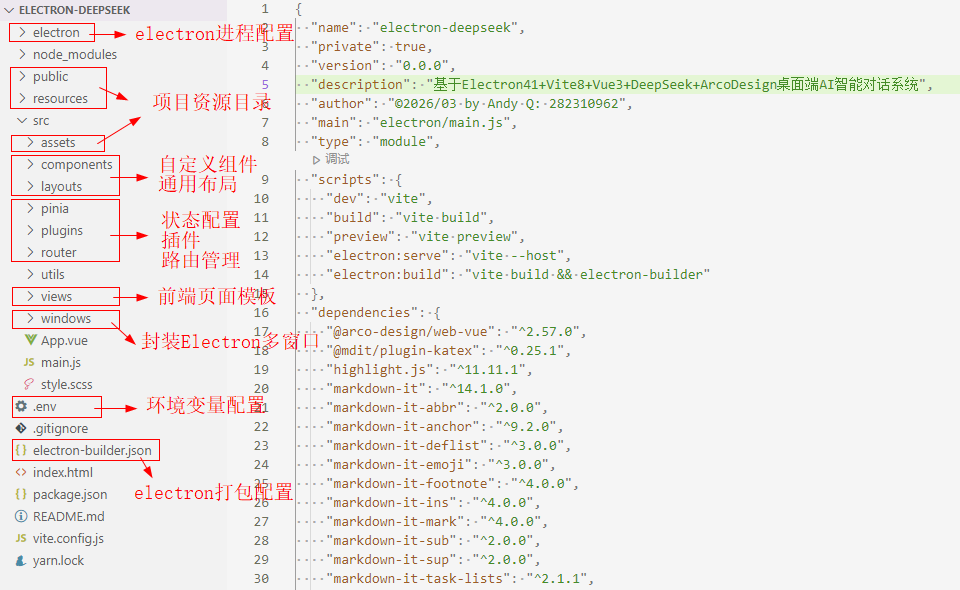
项目框架目录
- Electron 41
- Vue 3
<script setup> - Vite 8
- Arco Design
- OpenAI SDK 接入 DeepSeek-V4.1
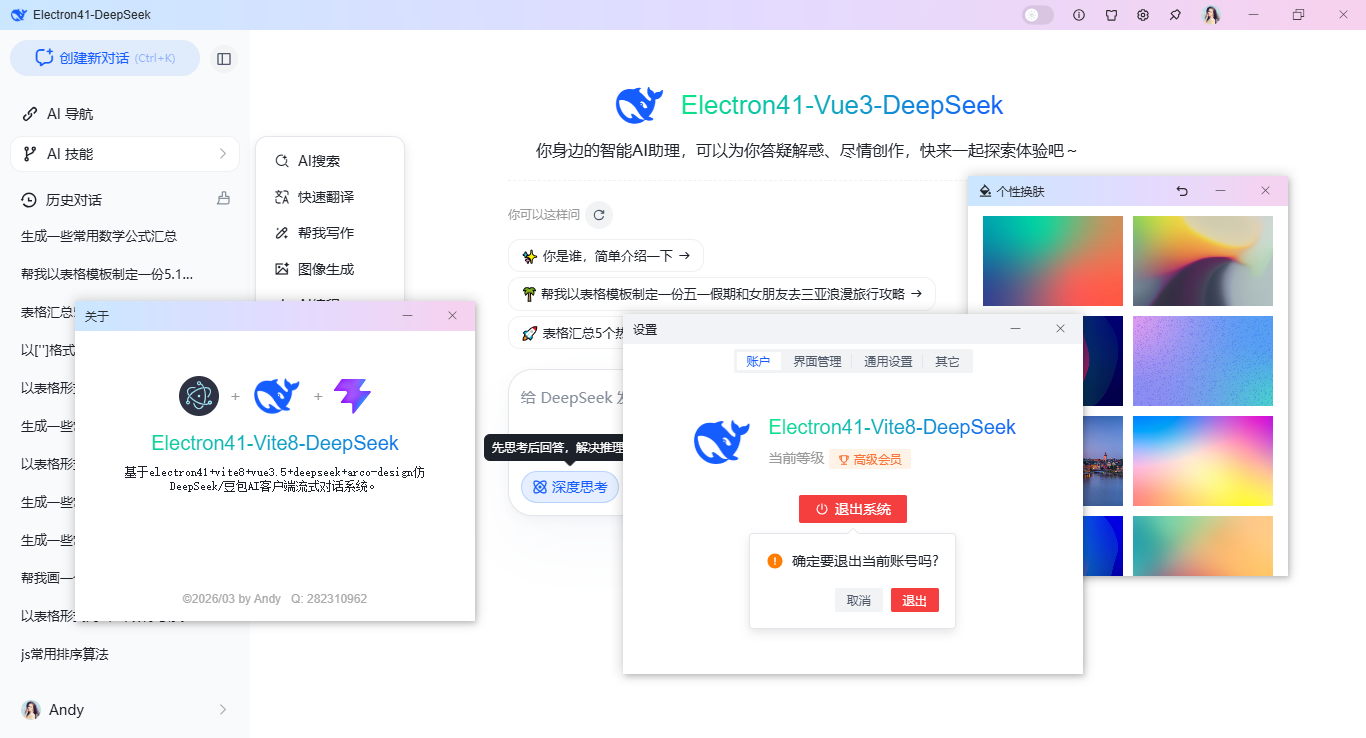
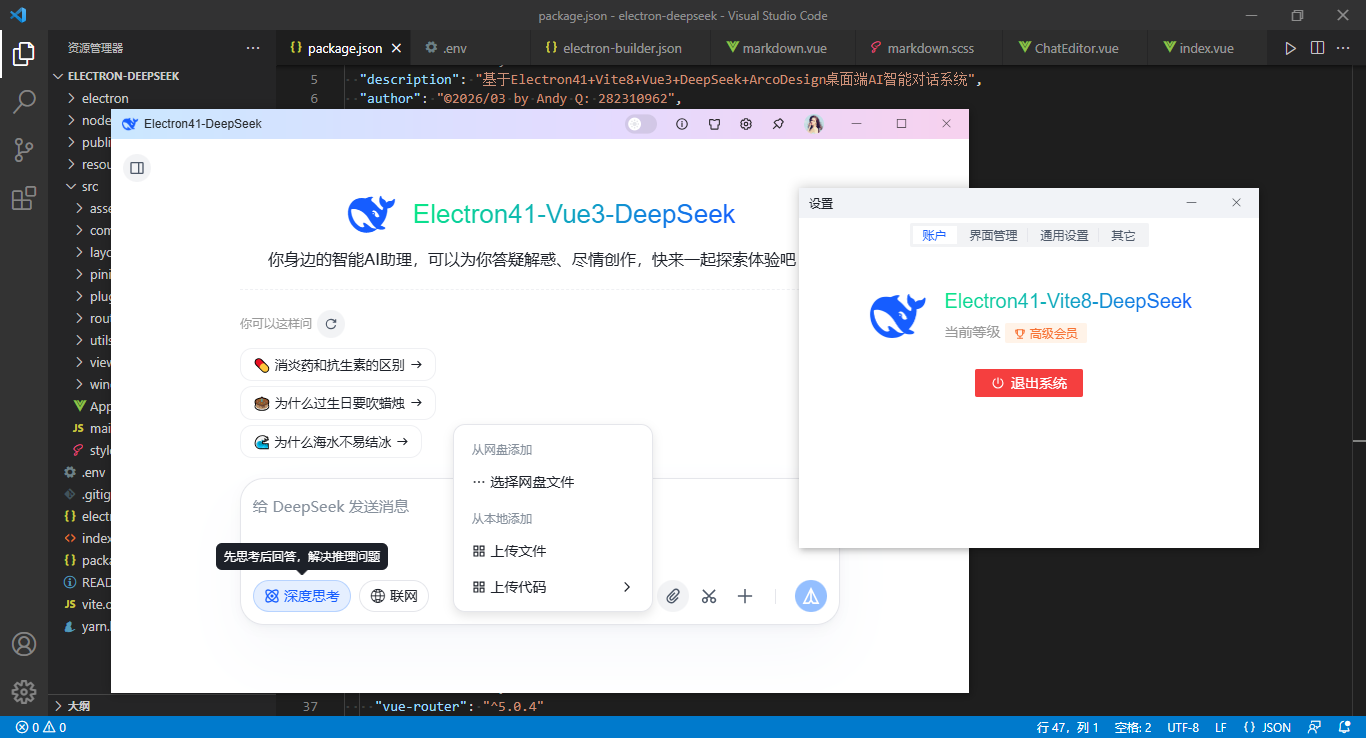
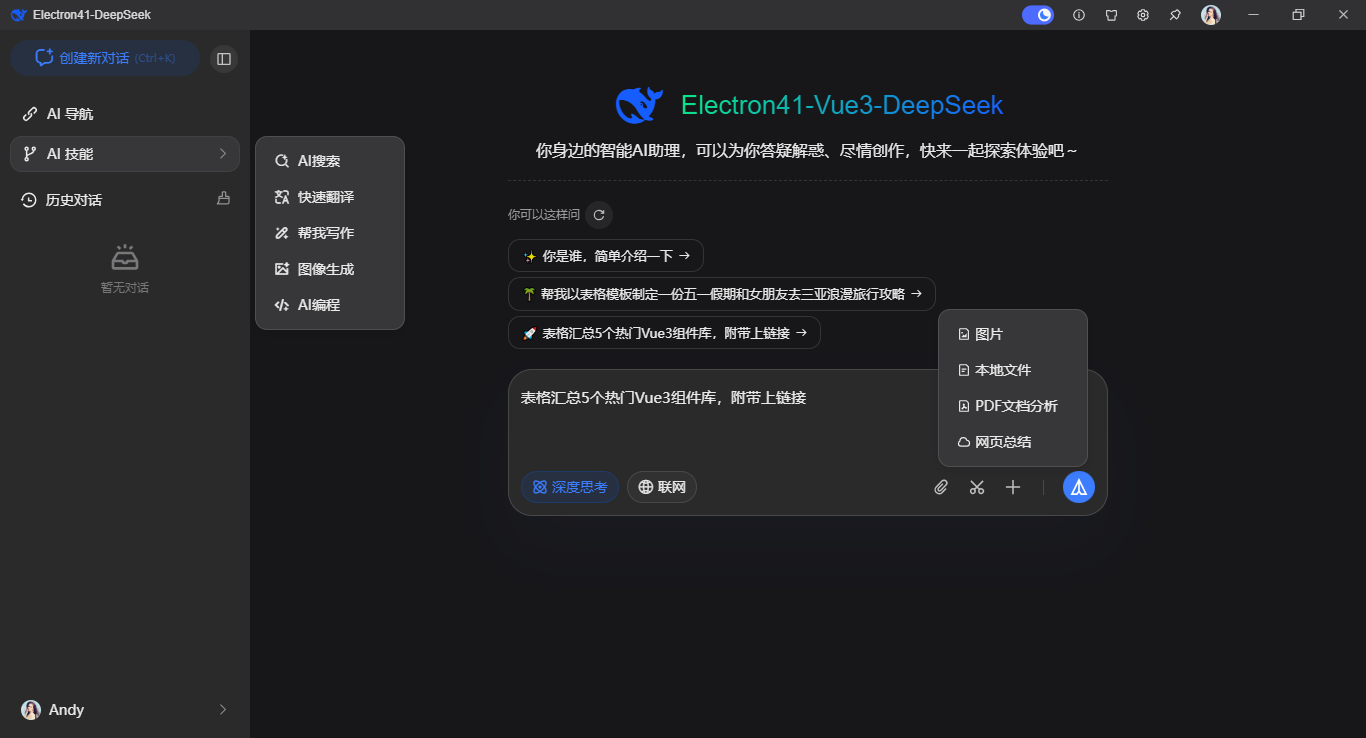
集成最新DeepSeek-Flash大模型
const completion = await openai.chat.completions.create({
  // 单一会话
  /* messages: [
    {role: 'user', content: editorValue}
  ], */
  // 多轮会话
  messages: props.multiConversation ? historySession.value : [{role: 'user', content: editorValue}],
  // 对话模型
  model: 'deepseek-flash',
  // 是否深度思考
  thinking: {'type': chatState.thinkingEnabled ? 'enabled' : 'disabled'},
  // 流式输出
  stream: true,
  // 限制一次请求中模型生成的最大 token 数。取值范围为 1 到 384K(393216)。未设置时,非思考模式默认 8K,思考模式默认 64K
  // max_tokens: 8192,
  // 严谨采样 越低越严谨(默认1) 介于 0 和 2 之间。更高的值,如 0.8,会使输出更随机,而更低的值,如 0.2,会使其更加集中和确定。
  temperature: 0.4,
})
项目入口文件
import { createApp } from 'vue'
import './style.scss'
import App from './App.vue'

import { launchApp } from '@/windows/actions'

// 引入路由/状态配置
import Router from './router'
import Pinia from './pinia'

// 引入插件配置
import Plugins from './plugins'

launchApp().then(config => {
  if(config) {
    // 存储窗口配置
    window.config = config
  }

  // 初始化app实例
  createApp(App)
  .use(Router)
  .use(Pinia)
  .use(Plugins)
  .mount('#app')
})
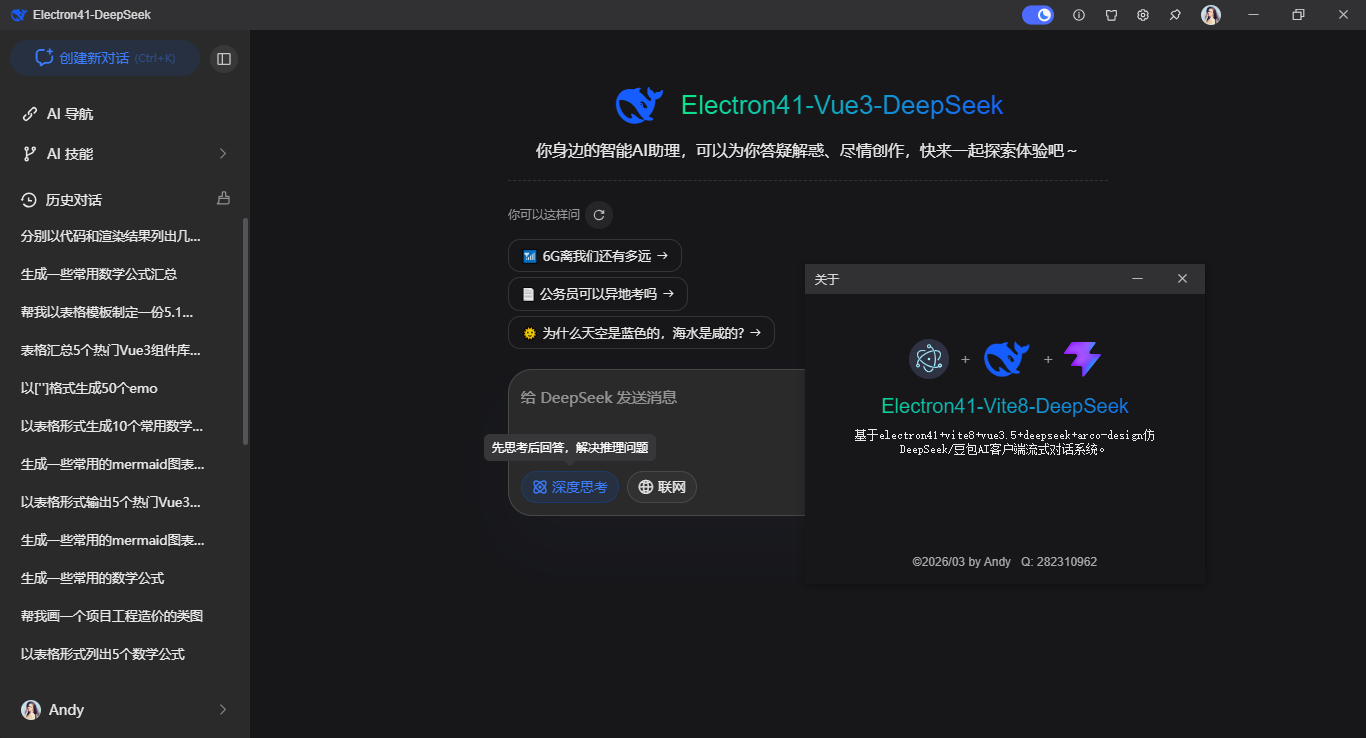
Electron+Vite8.3+Vue3+DeepSeek-V4.1-Flash:SSE 流式 / 深度思考 / Markdown / Mermaid 完整实战方案就分享到这里了。感谢大家的阅读与支持!
原创声明:本文系作者授权腾讯云开发者社区发表,未经许可,不得转载。
如有侵权,请联系 cloudcommunity@tencent.com 删除。
目录
腾讯云开发者

Copyright © 2013 - 2026 Tencent Cloud. All Rights Reserved. 腾讯云 版权所有
深圳市腾讯计算机系统有限公司 ICP备案/许可证号:粤B2-20090059  粤公网安备44030502008569号
腾讯云计算(北京)有限责任公司 京ICP证150476号 | 京ICP备11018762号