
三星S22超显示黑屏背景与<模型-查看>
三星S22超显示黑屏背景与<模型-查看>
提问于 2022-06-13 08:05:58
我们已经在模型查看器上开发了一种AR体验,它在iOS和我们测试过的所有安卓系统上都正常工作,除了三星的S22 Ultra,它的AR体验似乎有效(显示AR位置符号和3D对象),但背景完全是黑色的,而不是显示相机的内容。
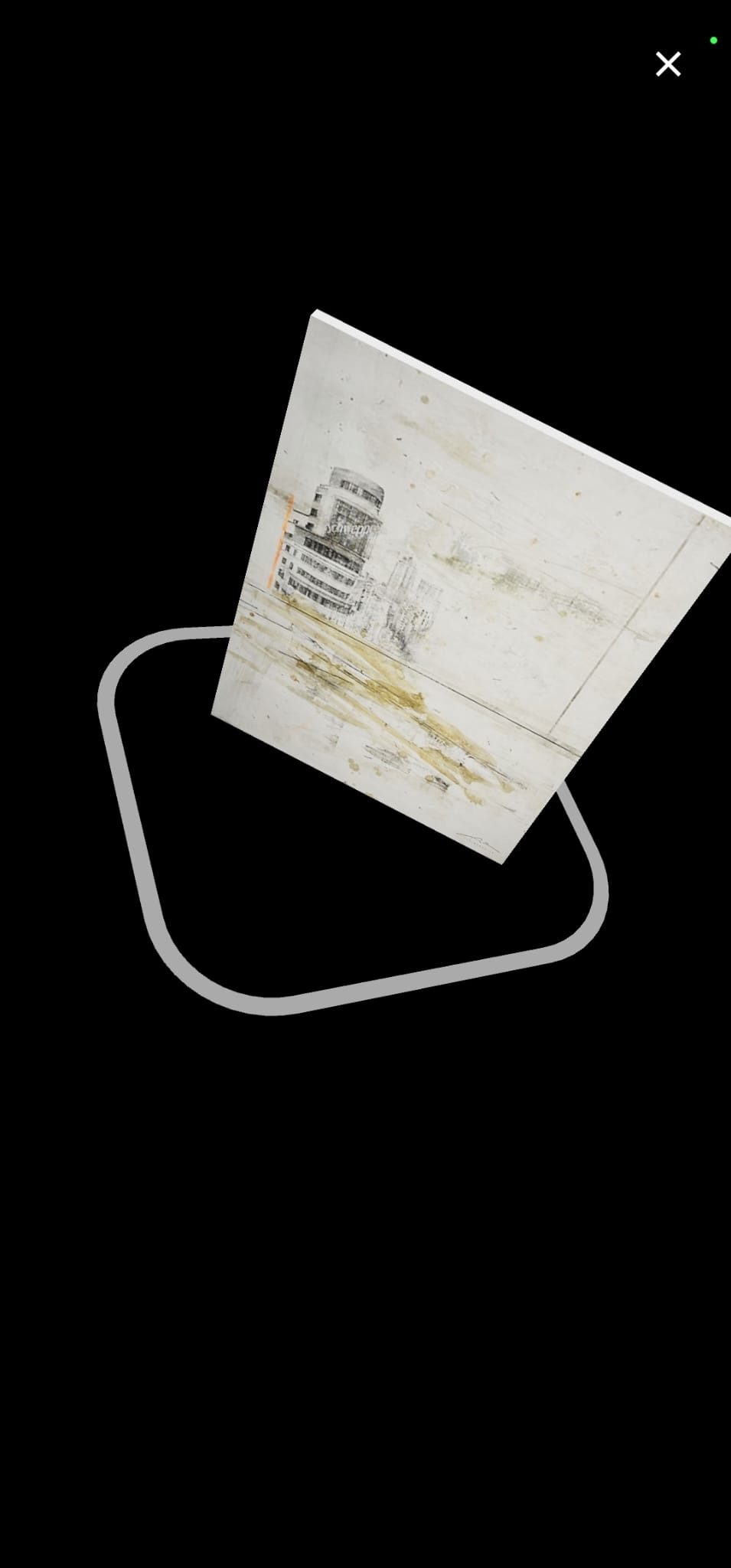
这发生在Chrome,不仅在我们的AR经验,但也模型-查看器的例子。(https://modelviewer.dev/examples/augmentedreality/index.html)
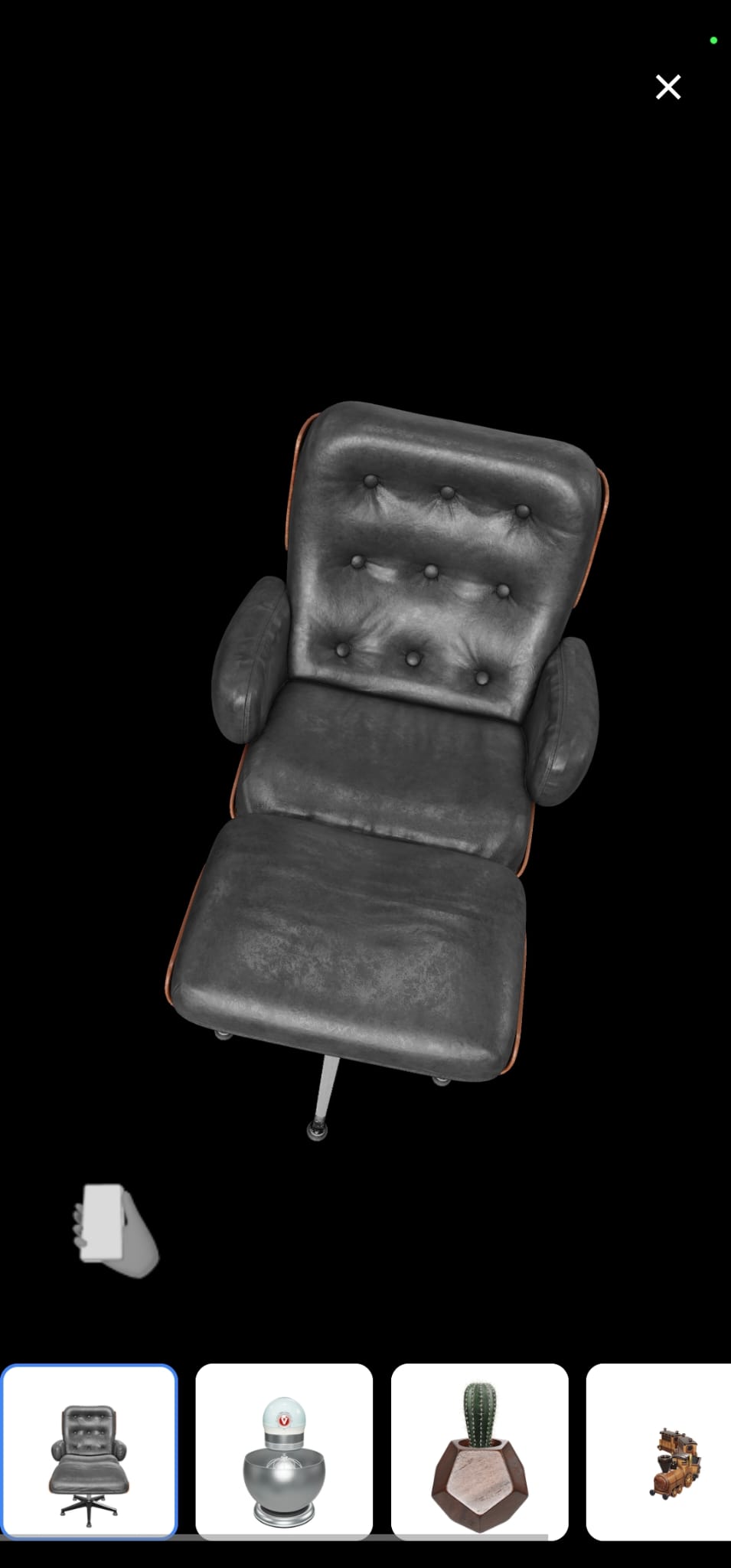
它也被证实,Chrome拥有访问相机的权限,并且设备隐私允许访问相机。
我们的AR体验代码:
<!doctype html>
<html lang="en">
<head>
<title><model-viewer> template</title>
<meta charset="utf-8">
<meta name="description" content="<model-viewer> template">
<meta name="viewport" content="width=device-width, initial-scale=1">
<link type="text/css" href="./styles.css" rel="stylesheet"/>
<!-- OPTIONAL: The :focus-visible polyfill removes the focus ring for some input types -->
<script src="https://unpkg.com/focus-visible@5.0.2/dist/focus-visible.js" defer></script>
</head>
<body>
<!-- <model-viewer> HTML element -->
<model-viewer bounds="tight" enable-pan src="cubo60x80_texture.glb" ar ar-modes="webxr scene-viewer quick-look" camera-controls environment-image="neutral" poster="poster.webp" shadow-intensity="1">
<div class="progress-bar hide" slot="progress-bar">
<div class="update-bar"></div>
</div>
<button slot="ar-button" id="ar-button">
View in your space
</button>
<div id="ar-prompt">
<img src="ar_hand_prompt.png">
</div>
</model-viewer>
<script src="script.js"></script>
<!-- Loads <model-viewer> for browsers: -->
<script type="module" src="https://unpkg.com/@google/model-viewer/dist/model-viewer.min.js"></script>
</body>
</html>回答 1
Stack Overflow用户
发布于 2022-06-16 08:09:15
这个问题是在ar模式=“webxr场景查看器快速查看”中生成的,webxr选项在优先级列表中排在第一位。出于某种原因,webxr选项试图复制体验,但是带有黑色背景错误。如果它被更改为ar-mode=“场景查看器快速查看的webxr",那么首先尝试场景查看器,它可以很好地工作。
页面原文内容由Stack Overflow提供。腾讯云小微IT领域专用引擎提供翻译支持
原文链接:
https://stackoverflow.com/questions/72599523
复制相关文章
相似问题
腾讯云开发者

Copyright © 2013 - 2026 Tencent Cloud. All Rights Reserved. 腾讯云 版权所有
深圳市腾讯计算机系统有限公司 ICP备案/许可证号:粤B2-20090059  粤公网安备44030502008569号
腾讯云计算(北京)有限责任公司 京ICP证150476号 | 京ICP备11018762号