
为什么会发生这种情况(对处理和UnfoldingMaps来说很奇怪)
作为coursera类的一部分,我们正在处理和展开Maps库。
本课程为您提供了初学者代码,我正试图扩展它。但我遇到了一个问题。
在我工作的电脑上,我大部分时间都在学习,我有一个非常好的应用程序启动。我决定把它带回家给我妻子看,把我的github回购克隆到我家里的笔记本电脑上。
没有包含librar/JAR文件,所以我直接从处理和展开的下载页面下载它们。结果是一场噩梦。一次又一次错误。我假设coursera/UCSD使用了库的旧版本,新版本并不是向后兼容的。看起来糟透了但不管怎样。
接下来,我下载了所有的JAR文件。结果稍微好一点,但事情还是很奇怪。也就是说,当我创建一个UnfoldingMap()对象时,窗口中位置和大小的参数绝对没有作用。
1.)我使用处理size()方法对包含的窗口进行向上或向下的调整,它将映射对象向上或向下缩放。它完全忽略了UnfoldingMap()的大小和位置参数。
2.)地图对象总是被推到窗口的左下角,不管它的位置参数是多少。
3.)我选择的灰色background()确实显示在地图周围,但是背景本身被一个大的黑场包围,该区域也与size()参数进行缩放。
以下是一些代码:
package module3;

//Java utilities libraries
import java.util.ArrayList;
import java.util.List;
import java.util.Map;

//Processing library
import processing.core.PApplet;

//Unfolding libraries
import de.fhpotsdam.unfolding.UnfoldingMap;
import de.fhpotsdam.unfolding.marker.Marker;
import de.fhpotsdam.unfolding.data.PointFeature;
import de.fhpotsdam.unfolding.marker.SimplePointMarker;
import de.fhpotsdam.unfolding.providers.Google;
import de.fhpotsdam.unfolding.providers.MBTilesMapProvider;
import de.fhpotsdam.unfolding.utils.MapUtils;

//Parsing library
import parsing.ParseFeed;

public class EarthquakeCityMap extends PApplet {

    // Less than this threshold is a light earthquake
    public static final float THRESHOLD_MODERATE = 5;
    // Less than this threshold is a minor earthquake
    public static final float THRESHOLD_LIGHT = 4;

    // This is where to find the local tiles, for working without an
        // Internet connection
    public static String mbTilesString = "blankLight-1-3.mbtiles";

    // The map
    private UnfoldingMap map;

    //feed with magnitude 2.5+ Earthquakes
    private String earthquakesURLweek = "https://earthquake.usgs.gov/earthquakes/feed/v1.0/summary/2.5_week.atom";
        private String earthquakesURLday = "https://earthquake.usgs.gov/earthquakes/feed/v1.0/summary/2.5_day.atom";

    public void setup() {
            size(400, 400, "processing.opengl.PGraphics3D");
            background(99);

            map = new UnfoldingMap(this, 50, 50, 1100, 700, new Google.GoogleMapProvider());
        map.zoomToLevel(2);
        MapUtils.createDefaultEventDispatcher(this, map);

        //List of markers to be added to map
        List<Marker> markers = new ArrayList<Marker>();

        //Use parser to collect properties for each earthquake
        //PointFeatures have a getLocation method
        List<PointFeature> earthquakes = ParseFeed.parseEarthquake(this, earthquakesURLweek);

            // for each earthqauke feature, create a custom marker and add it
            // to the list.
            for (PointFeature quake : earthquakes){
                Marker quakeMark = createMarker(quake);
                markers.add(quakeMark);
                Map<String, Object> properties = quakeMark.getProperties();
            }

        // Add the markers to the map so that they are displayed
        map.addMarkers(markers);
    }

        /**
         * A helper method to style markers based on features (magnitude, depth,
         * etc) of an earthquake.
         * @param feature A PointFeature object representing a single earthquake.
         * @return
         */
    private SimplePointMarker createMarker(PointFeature feature){

            // Create a new SimplePointMarker at the location given by the PointFeature
            SimplePointMarker marker = new SimplePointMarker(feature.getLocation(), feature.getProperties());

            Object magObj = feature.getProperty("magnitude");
            Object ageObj =  marker.getProperty("days ellapsed");
            float mag = Float.parseFloat(magObj.toString());
            int age = (int) ageObj;

            //Set processing color and alpha data, for setting marker colors
            //below.
            int alpha = 255 - (age * 255 / 7);
        int yellow = color(255, 255, 0, alpha);
            int red = color(255, 0, 0, alpha);
            int green = color(0, 255, 0, alpha);

            // Style markers based on earthquake magnitude
            if (mag < THRESHOLD_LIGHT){
                marker.setColor(green);
            }
            if (mag >= THRESHOLD_LIGHT && mag < THRESHOLD_MODERATE){
                marker.setColor(yellow);
            }
            if (mag >= THRESHOLD_MODERATE){
                marker.setColor(red);
            }

            //set radius of marker based on quake magnitude
            float radius = (float) (mag * 3.5);
            marker.setStrokeColor(color(50,15));
            marker.setRadius(radius);

        return marker;
    }

    public void draw() {
        map.draw();
        addKey();
}回答 1
Stack Overflow用户
发布于 2020-02-07 01:23:25
最简单的选择是使用过时的版本处理,这种处理仍然支持像展开0.9.6 (用于处理2.2.1)这样的功能。
由于您使用的是eclipse,所以您实际上可以编译一个更新的版本。(我注意到去年有一些小更新,但没有发布)。要通过eclipse进行更新,您可以:
- 获得回购(如果您在Unix系统(Linux/OSX)上),您可能已经安装了
git:git clone https://github.com/tillnagel/unfolding:这样您就可以轻松地提取最新的更新并重新构建,否则就可以下载zip、解压缩等等。 - 导入eclipse中的项目(通过导入现有项目)
- 将build.xml从项目中拖到蚂蚁视图中,并选择要编译的目标。
main将编译所有这些文件,包括处理包装器。
如果您只想使用命令行:
- 安装蚂蚁 (如果还没有安装在系统上),并将其添加到
PATH环境变量中(例如,检查Unix上的echo $PATH或Windows上的echo %PATH%,并确保列出ant所在的文件夹,如果没有添加) - 克隆/下载回购程序
- 运行ant (例如,
ant unfolding_processing只构建处理包装器或简单地构建ant(默认为main目标构建一切)
我可以确认手动编译github与Process3.4的最新版本
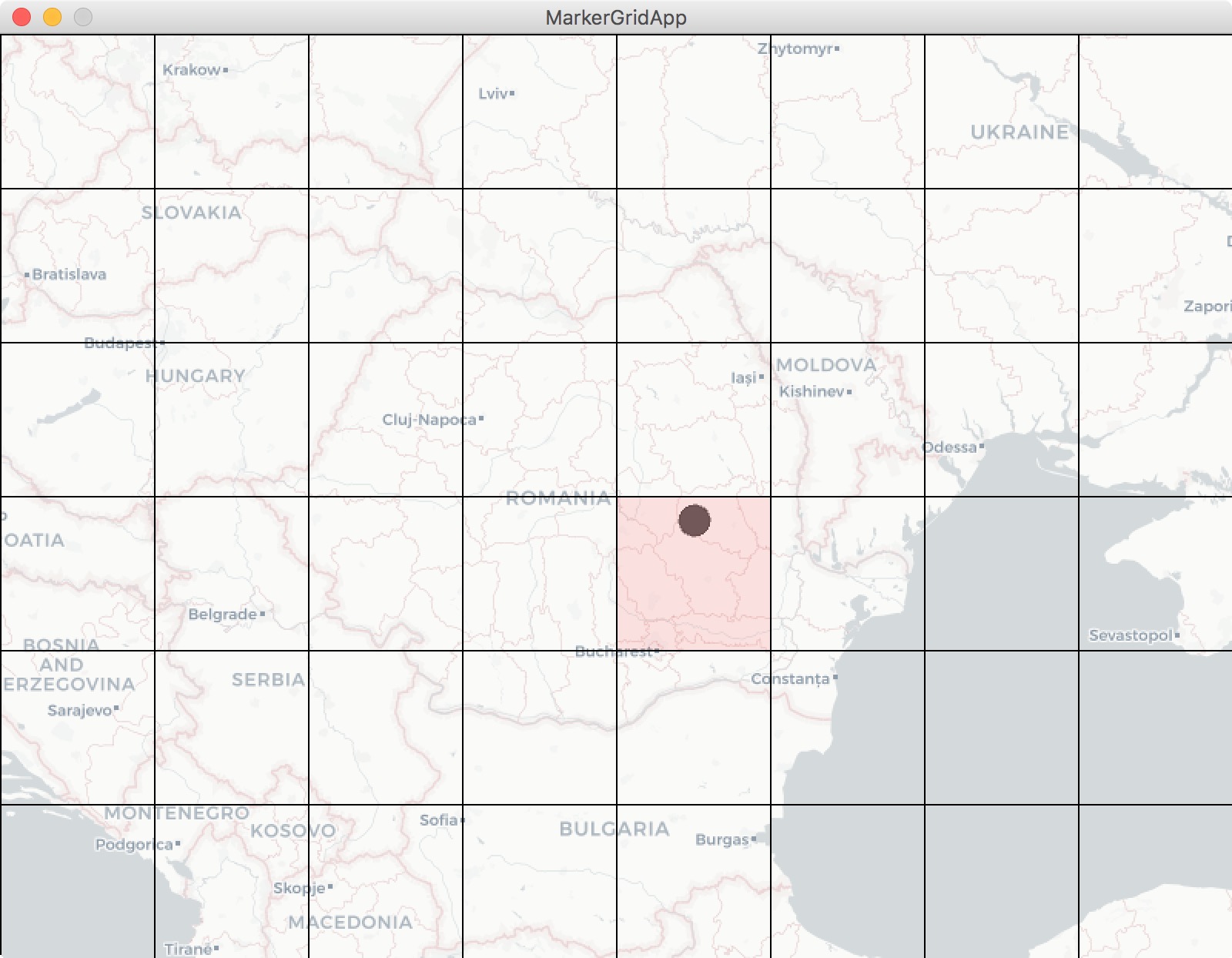
我已经上传了处理包装器这里:希望您可以将.jar文件拖到eclipse项目的顶部。
https://stackoverflow.com/questions/60104994
复制相似问题
腾讯云开发者

Copyright © 2013 - 2026 Tencent Cloud. All Rights Reserved. 腾讯云 版权所有
深圳市腾讯计算机系统有限公司 ICP备案/许可证号:粤B2-20090059  粤公网安备44030502008569号
腾讯云计算(北京)有限责任公司 京ICP证150476号 | 京ICP备11018762号