
ContentInset在popViewController之后自动更改
ContentInset在popViewController之后自动更改
提问于 2017-03-20 14:37:28
我有一个2 viewController
- itemViewController
- chatViewController
我点击了右边的barButton来显示chatViewController
在那之后
我按了backButton键回到itemViewController
它可以用fine....except来解决一个问题。
当我回到itemViewController...then时,它会自动更改tableView的contentInset
itemViewController片段代码在这里
viewDidLoad函数
 tableView.rowHeight = UITableViewAutomaticDimension
        tableView.estimatedRowHeight = 450

        tableView?.contentInset = UIEdgeInsetsMake(22, 0, 0, 0)
我设置了contentInset,因为我的应用程序有自定义的导航栏高度,这个高度比默认的导航栏高要大。
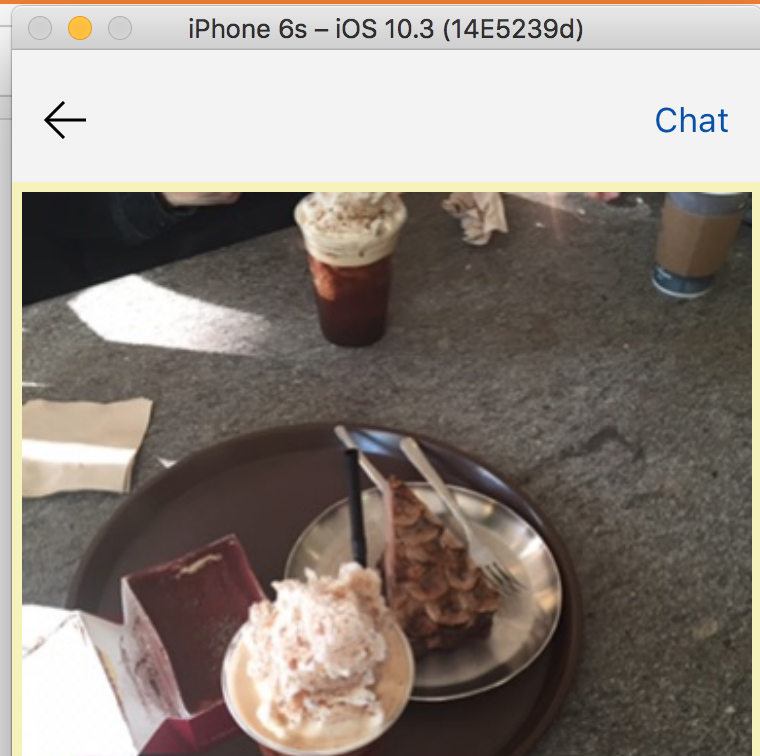
func chat(_ sender: UITabBarItem){

        var chattingObjId = String()


    //STEP 1. is Created Chatting Room?
    PFCloud.callFunction(inBackground: "getChattingObjId", withParameters:
        ["postId":results.objectId, "from":PFUser.current()?.username!], block: { (response: Any?, error:Error?) in

            // some your code
            if error == nil {

                chattingObjId = response as! String
                print("\(chattingObjId) : Received from Server")

                let chatting = self.storyboard?.instantiateViewController(withIdentifier: "ChattingVC") as! ChattingVC

                chatting.chattingObjId = chattingObjId


                self.navigationController?.isNavigationBarHidden = false
                self.navigationController?.pushViewController(chatting, animated: true)


            }else {
                print(error?.localizedDescription as Any)
            }


    })

}chatViewController在下面的代码片段
func back(_ sender: UITabBarItem){

    //push back
    _ = navigationController?.popViewController(animated: true)


}
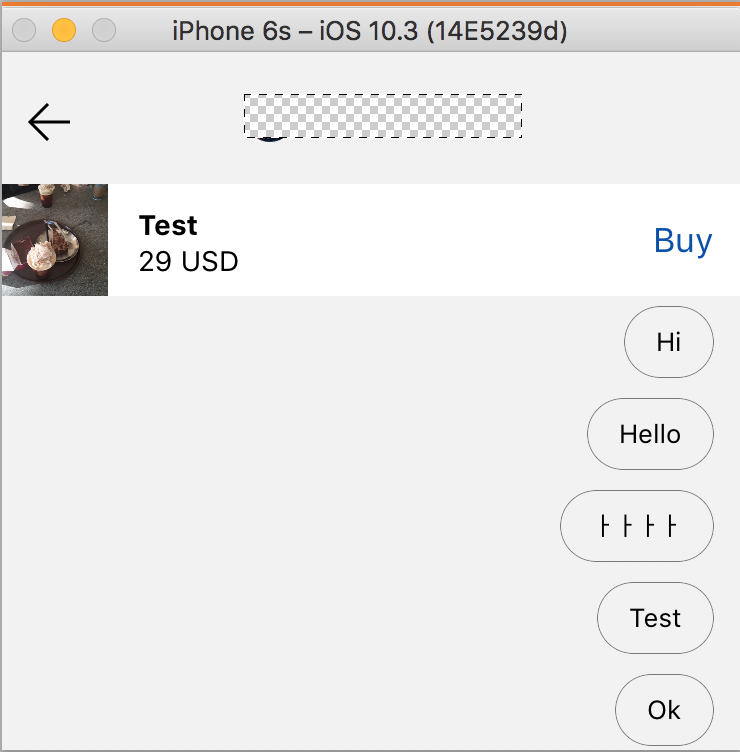
按下按钮后..。
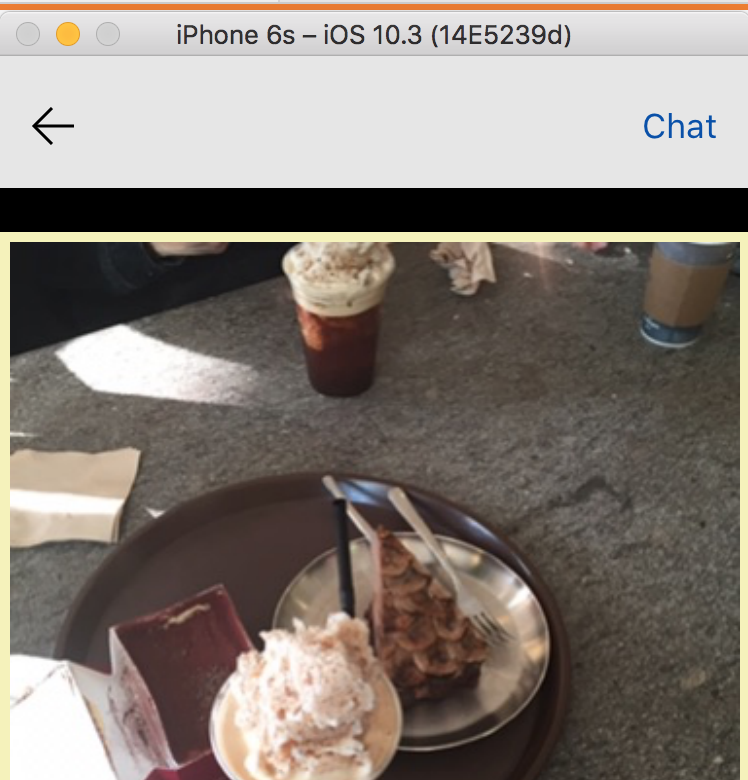
有缺口..。好像是..。22 set,即我设置了viewDidLoad..。
为什么会发生这种事?
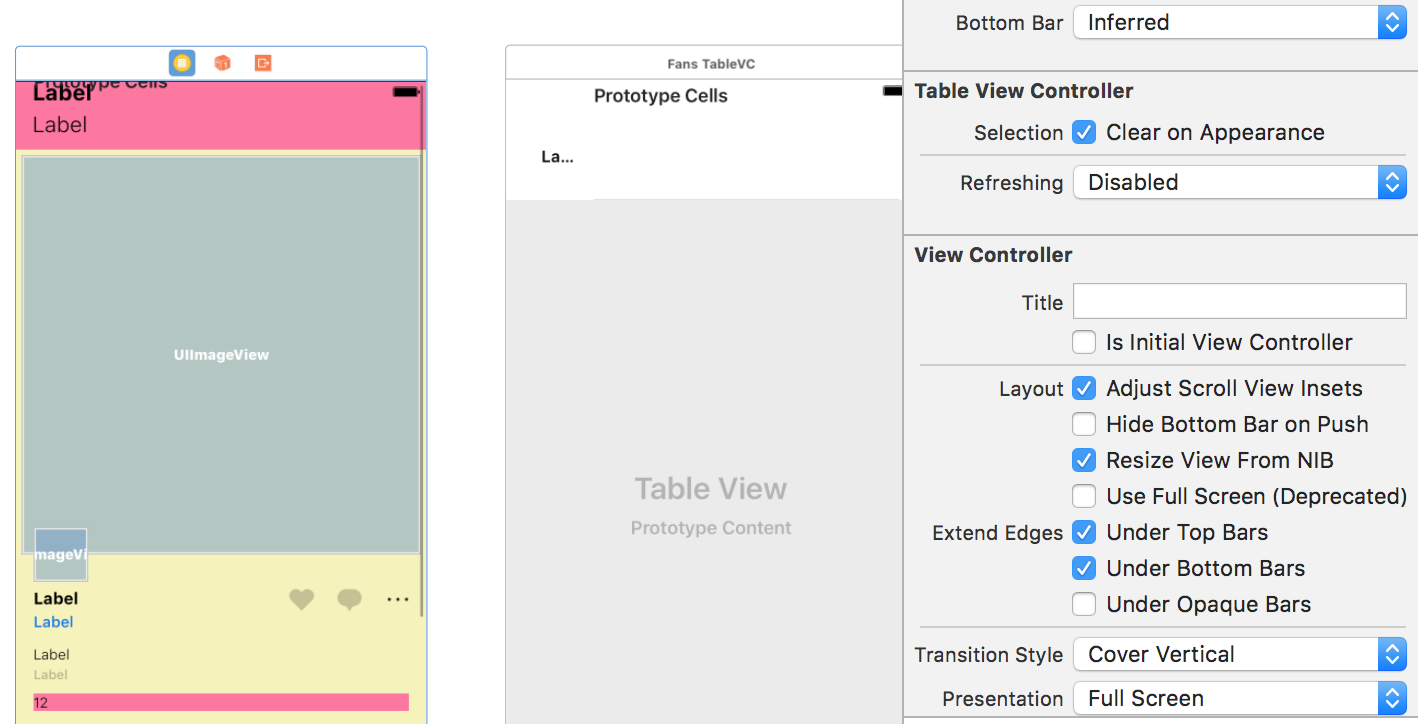
这是我的itemViewController设置。
回答 1
Stack Overflow用户
发布于 2017-03-20 14:58:49
我几乎有同样的问题,它是通过取消检查“调整滚动视图接口”来解决的。试试看,也许它也会对你有用。
页面原文内容由Stack Overflow提供。腾讯云小微IT领域专用引擎提供翻译支持
原文链接:
https://stackoverflow.com/questions/42906422
复制相关文章
相似问题
腾讯云开发者

Copyright © 2013 - 2026 Tencent Cloud. All Rights Reserved. 腾讯云 版权所有
深圳市腾讯计算机系统有限公司 ICP备案/许可证号:粤B2-20090059  粤公网安备44030502008569号
腾讯云计算(北京)有限责任公司 京ICP证150476号 | 京ICP备11018762号